 Phenquestions
The mtPaint is a multi-platform and open-source drawing tool. It is used to create the icon, artwork, animations, and animated GIF's. It can also manipulate digital photos. Moreover, we can also use it to update the indexed palette or 24-bit RGB images. It is one of the popular image population tools best alternative to the Microsoft Paint application.
As mtPaint is an open-source and free application, therefore it is included in Ubuntu 20.04 standard repository. The mtPaint can also be installed from the external repository on prior versions of Ubuntu. However, the developers have not released the release file for Ubuntu 20.04. Therefore, we cannot install the mtPaint on Ubuntu 20.04 through the external repository.
Installing mtPaint on Ubuntu 20.04
We will install mtPaint on Ubuntu 20.04 from the standard repository. Before installing mtPaint, update the system's repository with the command:
$ sudo apt update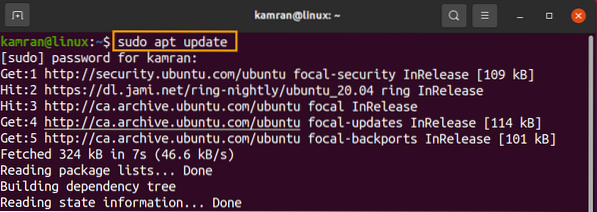
The system's apt repository cache will be updated.
The mtPaint application requires canberra-gtk-module. Install the canberra-gtk-module with the command:
$ sudo apt install libcanberra-gtk-module libcanberra-gtk3-module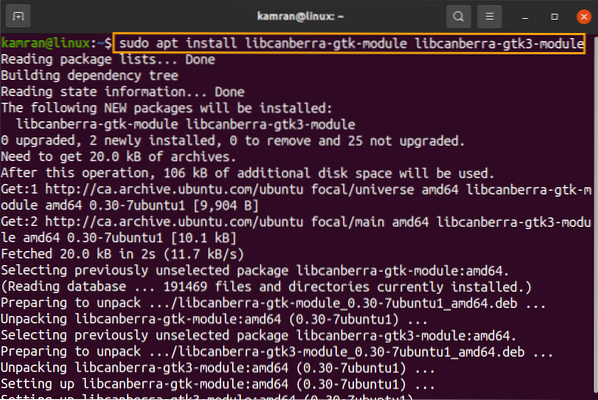
Next, install the mtPaint using the command:
$ sudo apt install mtpaint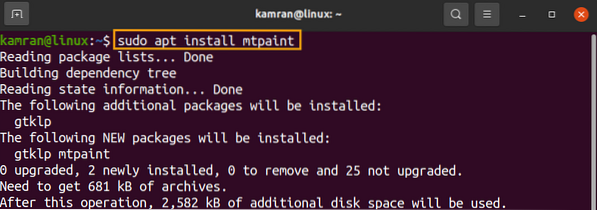
Press 'y' to continue installing mtPaint.
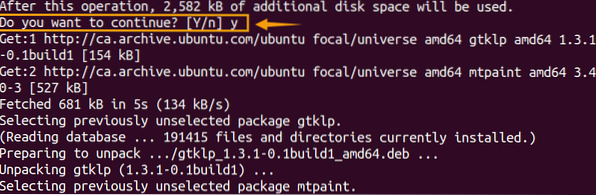
Once the mtPaint is installed, check the installed version and verify the installation with the command:
$ mtpaint --version
At the time of preparing this post, the latest version of mtPaint is 3.40, which is installed on my Ubuntu 20.04.
Launch and use mtPaint
We can launch the mtPaint application either from the Application Menu or command line. To open it from the command line, type the command:
$ mtpaint
If you wish to launch mtPaint from the Application Menu, click on Application Menu and search for mtPaint.
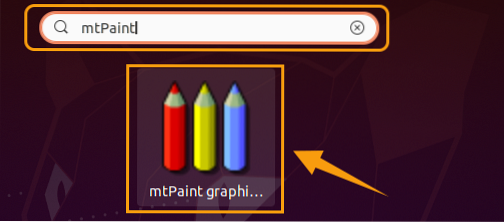
Click on the 'mtPaint' application icon to open it.
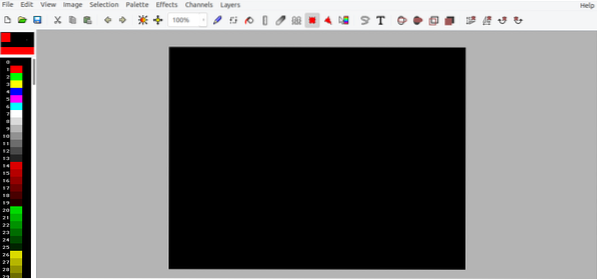
The mtPaint is ready for use.
Conclusion
The mtPaint is an open-source and free application which is the best alternative to the MS Paint application. We can create icons, animations, and animated GIF's using mtPaint. This article explains the mtPaint installation on Ubuntu 20.04.